
No. The software is not a keylogger. It measures active time and idle time, but it never records what anyone types.
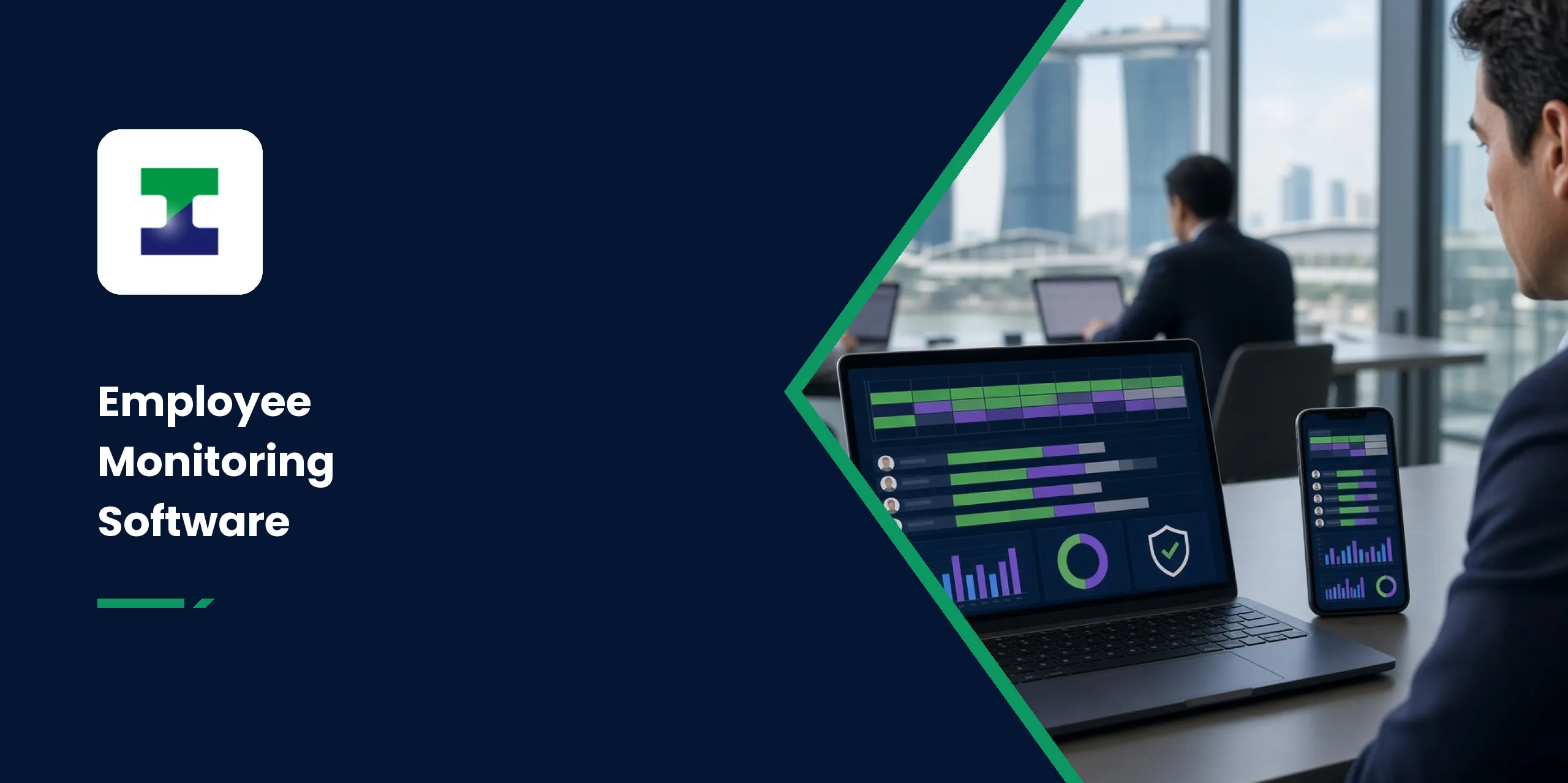
What Can Our Work Monitoring Platform Do for Your Business?
Did your team put in a full day of real work, and can you prove it? Our employee monitoring software shows how each workday went, enforces your laptop security controls, and backs up your chosen folders. Everything sits in one platform.
If you run a Singapore business with remote staff or teams across countries, guesswork is expensive. Timesheets tell you what people wrote down, not what actually happened. Laptop problems only surface when work stops. A deleted or encrypted file can mean hours of rework.
This platform replaces guesswork with facts. You see real hours worked, get alerts before small issues grow, and keep every version of your important files for a year. Staff stay treated fairly at the same time, because they can see their own activity too.
In the sections below, you will find the benefits, how a workday is measured, the reports you receive, privacy safeguards and how to get started.
What Are the Main Benefits for Your Business?
The platform covers work hours, security and backups together, so you manage one tool instead of four. Here is what that means in practice.
1. Real Hours Worked, in Each Person's Own Time Zone
The software compares real hours worked against hours expected, for every person. Team members in different countries are measured in their own time zones. You get a true picture, no matter where your people log in from.
2. A Same-Day Check at 2 PM
At 2 PM on each person's own clock, anyone expected to work who has done under 2 hours is emailed to you and their mentor. Every report also opens with a needs-attention group, so you can act the same day.
3. Control Over Downloads, USB Drives and Phones
Downloads, USB drives and phones can be blocked on any laptop. Every download is logged and visible to you as the owner. That keeps sensitive files where they belong.
4. Hourly Ransomware Checks
Every laptop is checked every hour for early signs of ransomware, and hidden decoy files are checked every minute. If anything changes or encrypts them, the alarm goes off at once and backups are put on hold, so your clean copies stay safe. Ransomware remains one of the most common cyberthreats Singapore businesses face, as the Cyber Security Agency of Singapore continues to warn. For wider coverage, our ransomware protection and prevention services work alongside this platform.
5. One Health List for IT
Your IT support sees every laptop's health and all alerts in a single list. A nearly full disk, a laptop that has gone silent, a slow internet connection or a laptop running short of memory is flagged early, naming the laptop and the person.
6. Fair to Staff
Monitoring is switched on person by person, staff can see their own activity, and the platform writes the staff-handbook wording for you. You get the facts, and your team keeps its trust.
Staff Monitoring Software at a Glance
| What You Get | How It Works |
|---|---|
| Real hours worked | Active time, short pauses and calls or videos, measured per person in each person's own time zone |
| Same-day oversight | A 2 PM check with a needs-attention list, so you can act the same day |
| Download control | Downloads, USB drives and phones can be blocked, and every download is logged for the owner |
| Ransomware defence | Hourly checks plus hidden decoy files checked every minute, with backups put on hold if they are touched |
| Continuous backup | Folders back up to the cloud through the monitoring platform about 30 seconds after saving, with every version kept for one year |
| Laptop health | IT sees every laptop's health and alerts in one list |
| Fairness | No keylogging, screenshots or recording, and staff see their own activity |
How Does the Software Measure a Full Workday?
The platform tracks the day from the first keyboard or mouse input to the last. Hours worked include active time, short pauses and time spent on calls or videos. A coffee break does not erase a morning of effort.
Lunch is found automatically and is never counted as work time. Public holidays and approved leave are never counted as missing time either. The result is a fair and accurate number for real hours worked, for every person on the platform.
What Reports Will You Receive?
Every morning at 8:30 AM, an email lands in your inbox with the previous day's summary. Weekly and monthly reports show trends across your team. An annual report gives each person's full-year picture, ready for appraisals.
You can also open live, day, week and month views at any time. Team leaders and mentors see only their own team, so information stays with the people who need it.
How Is Staff Privacy Protected?
Our employee monitoring software is firm on facts and light on intrusion. It is not a keylogger. It takes no screenshots. It never records from the webcam or microphone, and it never reads files or emails.
Monitoring is switched on per person, so you choose exactly who is covered. Staff can view their own activity at any time. On the analytics side, the AI never sees names, because reports run on activity data, not identities.
Who Is This Platform For?
Owners and HR get the numbers they need for planning and appraisals. Team leaders and mentors see their own team's hours and needs-attention items. IT support gets one health list for every laptop. Staff get transparency, with full sight of their own data.
The platform suits professional firms, agencies and small and medium enterprises (SMEs). It is especially useful for businesses with remote or multi-country teams. Wherever your people work, you see one clear picture.
How Does the Setup Work?
Setup is quick, and our team handles it for you.
- We set up your company on the platform and configure your rules.
- We install a small tool on each laptop, which takes about a minute per device.
- You choose who is monitored and which folders are backed up.
- Your first report arrives the next morning.
From that point, the platform simply runs in the background while you get on with running your business.
Conclusion
With staff monitoring software from IT Solution, you know how every workday went, keep every laptop healthy and never lose a file. Hours are measured fairly, privacy is respected and your first report can arrive as soon as tomorrow. Book a demo with us to see the platform working against your own workflow.
See It Working in Your Business
Tell us your team size and setup, and we will walk you through the platform live.
Frequently Asked Questions
No. The platform takes no screenshots. It only notes which program or window is in front and whether someone is active.
It is built not to. Heavy work waits until the laptop is idle, backups slow down while someone is working, and there is a back-up-only-at-night option.
Yes. Every monitored person can view their own activity at any time, which keeps the system transparent and fair.
No. Monitoring is switched on per person. You choose exactly who is covered and which folders are backed up.
Yes. It works the same wherever your people are located, and hours are measured in each person's own time zone.
In the cloud, through the monitoring platform. Your chosen folders back up about 30 seconds after saving, and every version is kept for one year.