
Google’s own Business Profile guidance says a profile is relevant when a business makes in-person contact with customers during its stated hours. For a new Singapore food and beverage outlet, that means search visibility starts with verifiable location facts, not just a website.
Most opening-day momentum is lost on small digital gaps, not the kitchen. A map pin at the wrong entrance, a telephone number that is not clickable on mobile, a menu that still says “opening soon”, or a booking button that returns an error can stop a ready customer from walking in.
The reason is simple: F&B customers act on location, menu, price and convenience before they commit. Those decisions flow through Google, social profiles, the outlet website and the booking or ordering path. If any one of them is wrong, the launch works against the outlet.
This article explains the order for a new Singapore F&B outlet digital launch: what to register and own first, what to build and test before opening day, and what can safely wait. In this blog, we discuss the customer-critical assets, the likely blockers, and a practical QA sequence.
What Should Go Live First for a New Singapore F&B Outlet?
A Singapore F&B outlet opening checklist should put customer-critical assets first: the domain, a basic website with a location page, a Google Business Profile, a readable menu, and at least one direct path to book, reserve or order. Non-essential marketing assets come later.
The focus should be on ownership and accuracy from the start. An outlet that cannot control its domain or recover its Google profile may face delays when staff or vendors change. A customer-critical detail that is wrong on opening day is harder to fix than to prevent.
1. Domain, Business Email and Site Foundation
Register the domain in a business-owned account and set up a business email on that domain. A proper Singapore business email domain setup protects the outlet if a staff member or agency moves on. It also gives every public page and profile a stable, professional contact point.
2. Mobile-First Website and Location Page
Build a lightweight website around a dedicated location page. The page should show the outlet name, address, opening hours, contact actions and an accurate map link. It does not need an elaborate design before opening day.
3. Google Business Profile
A Google Business Profile is relevant here because the outlet serves customers in person at a stated address during stated hours. Start the profile as soon as the premises and management details can support it, but do not treat verification as guaranteed.
4. Menu, Contact Routes and Conversion Path
Customers need a readable menu, a working telephone or WhatsApp link, and at least one direct path to book, reserve or order. A PDF menu is not enough on its own if it is hard to read on a phone and has no clear route back to the outlet page.
5. Measurement and Privacy Basics
Configure analytics to track high-intent actions such as calls, directions, menu views and booking starts. If the website collects personal data through forms or bookings, Personal Data Protection Act obligations apply to notification and protection.
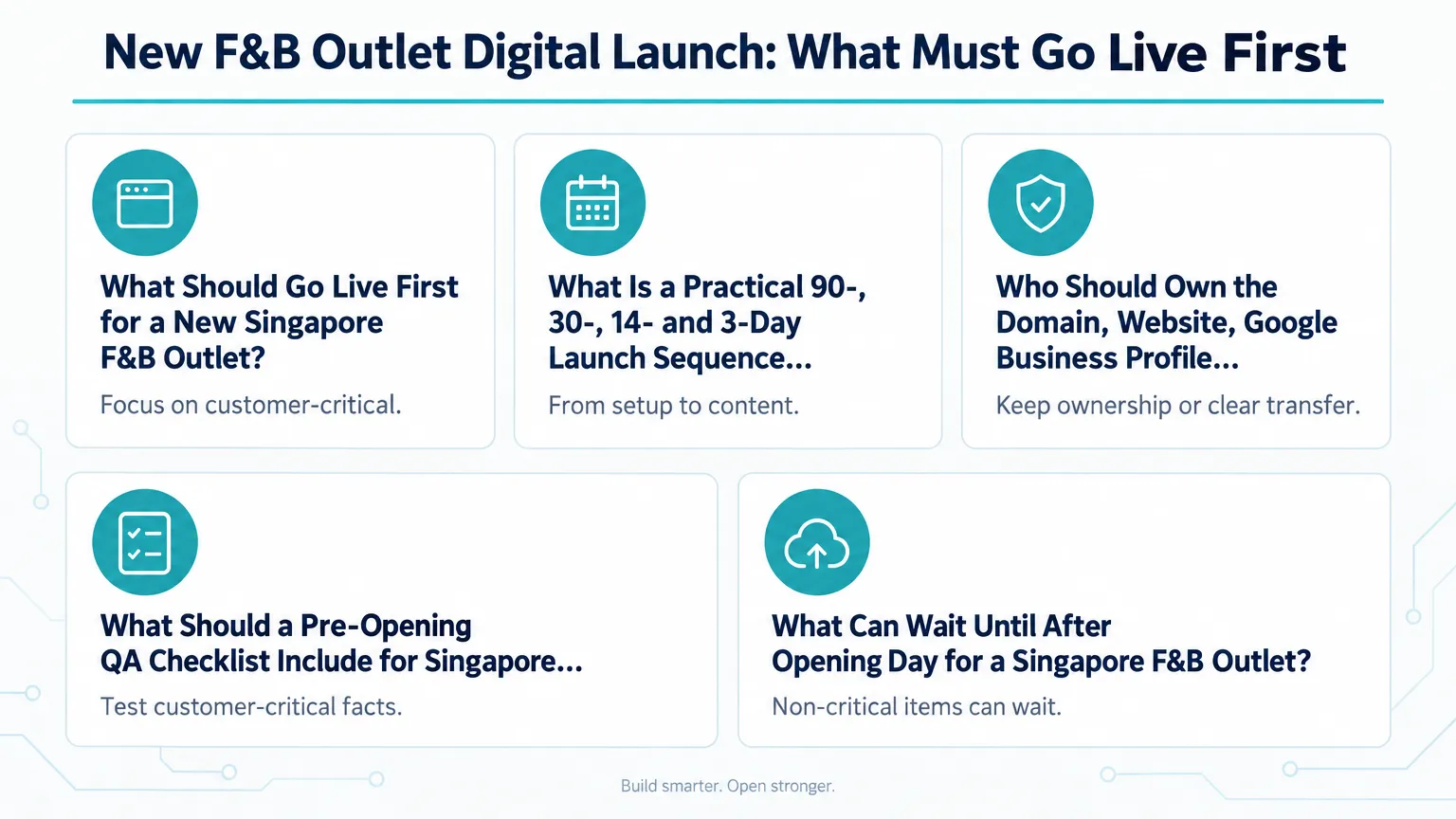
What Is a Practical 90-, 30-, 14- and 3-Day Launch Sequence for Singapore?
A practical sequence moves from identity and access setup to content, verification and final testing. This is a suggested planning framework, not a timeline proven by past launches, so each outlet should confirm the milestones with its project lead before relying on them.
The goal is to make every week reduce the risk of a customer-facing error. The sequence below groups the work into the four windows that matter most.
Step 1: 90 Days Before Opening
Lock the trading name, concept, address, service model and target opening date. Register the domain, create the business email, open the shared tracking sheet, and set up the staging environment.
Step 2: 30 Days Before Opening
Confirm the menu, collect brand assets, finish the website and location content, and load the hours and prices that can actually be honoured. Prepare the Google Business Profile but avoid publishing an opening date the business cannot keep.
Step 3: 14 Days Before Opening
Add the confirmed address, map pin, phone number and booking links. Begin any Google verification method offered, and run end-to-end tests of calls, directions and ordering. Do not rely on a guaranteed verification turnaround.
Step 4: 3 Days Before Opening
Freeze critical facts, publish the live website, recheck signage and opening hours, and schedule launch posts. Hold the full paid campaign budget until the customer journey passes from search result to completed action.
Proposed 90 to 3 Day Digital Launch Sequence
| Stage | Time Before Opening | Priority Assets | Key Actions |
|---|---|---|---|
| Foundation and identity | 90 days | Domain, email, shared tracker, staging site | Lock trading name and address; register domain in business name |
| Build and content | 30 days | Website, menu, location page, profile draft | Confirm prices, hours and booking path; start Google verification if eligible |
| Verification and testing | 14 days | Google Business Profile, booking links, analytics tags | Run end-to-end tests from search result to completed action |
| Freeze and launch | 3 days | Live site, map pin, posts, campaigns | Recheck signage and hours; publish launch posts after QA passes |
Who Should Own the Domain, Website, Google Business Profile and Booking Accounts?
The operating business should retain ownership or clear transferable control of every identity, data and revenue-bearing asset. The agency or freelancer receives the access needed to work, not sole control.
This is a prudent ownership recommendation, not a universal platform requirement. Each platform and contract differs, but the principle is the same: if the outlet cannot prove it controls the asset, a staff change or vendor change can block the business.
If an external provider will manage these assets, choosing an IT support provider should include a review of access, recovery and handover arrangements.
1. Domain, Hosting and Website
Register the domain in a business-owned account, not a personal or agency account. Hosting and content management should sit under the business or be explicitly transferable. A Singapore SME web hosting security package should be chosen with renewal, recovery and handover in mind, not just uptime.
2. Google Business Profile
The outlet should be the primary owner of its Google Business Profile. A third party can be added as a manager rather than taking sole ownership. Google’s own guidance on third-party access supports this model, so do not hand over sole control.
3. Social, Advertising and Analytics Accounts
Meta Business Portfolio, Facebook Page, Instagram account, ad account, Google Analytics and Tag Manager should be created under company-controlled identities. The business should own the payment and payer relationship, while named users or partners receive only the access needed for daily work.
4. Booking, Ordering and Reservation Platforms
Accounts that hold customer, transaction or payout data must be contracted in the business’s name. An agency can manage them, but it should not own revenue-bearing logins or payout details.
Asset Ownership and Access Matrix for a New F&B Outlet
| Asset | Recommended Owner | Third-Party Access | Why It Matters |
|---|---|---|---|
| Domain | Operating business | Delegated technical access | Preserves brand and renewal control; avoids recovery issues |
| Website CMS and hosting | Business or transferable contract | Admin or developer access | Business can retain control if vendor changes |
| Google Business Profile | Business company account | Manager role | Profile belongs to the outlet; manager access is enough |
| Meta assets and ad account | Business controls and pays | Partner or named users | Keeps billing, audience and page ownership with the business |
| Booking and ordering platform | Business signs contract | Staff-level access | Protects customer, transaction and payout data |
What Should a Pre-Opening QA Checklist Include for Singapore F&B Digital Assets?
The checklist should test customer-critical facts and actions together, not each page in isolation. Start from a Google or social result, move through the website, and finish at a completed booking, order or enquiry.
Button clicks and platform interactions should not automatically be reported as completed sales, reservations or walk-ins. They are signals, not proof of revenue. The final test should use a real phone on mobile data, not office Wi-Fi.
1. Verify the Map Pin, Unit and Hours
Check the exact outlet name, unit number, postal code, map pin at the correct entrance, telephone, normal and special hours, and dine-in or takeaway options against the approved operations sheet.
2. Test Every Conversion Route on a Real Phone
Tap call, map, WhatsApp, menu, booking and order buttons from mobile data. Submit forms, confirm the confirmation message and email, and check that the request reaches the correct staff member.
3. Check Analytics, Tags and Privacy Notice
Verify page views and agreed high-intent actions such as call clicks, direction requests and booking starts. Publish the privacy notice if personal data is collected, and do not claim an event equals a completed sale.
4. Freeze Critical Facts and Approve One Master Sheet
Keep one master facts sheet so Google, the website and social channels do not carry different addresses, hours or opening claims. Require a named decision-maker to approve changes in the final week.
Go Live First vs What Can Wait for a Singapore F&B Outlet
| Priority | Typically Needed Before Opening | Reason |
|---|---|---|
| Go live first | Domain, website, Google Business Profile, map pin, menu, contact and booking or ordering path | Customers need these to find and transact |
| Test before launch | Call, directions, menu, booking, order and enquiry flows | Errors here block conversion |
| Can wait | Loyalty, advanced CRM, complex remarketing, elaborate dashboards | Features can be tuned after customer behaviour is clear |
| Conditional | Delivery marketplace onboarding | Delivery-led brands may need it on day one; others can defer |
What Can Wait Until After Opening Day for a Singapore F&B Outlet?
After the discoverable and transactable basics are live, non-critical enhancements can wait until customer behaviour is known. This is a prioritisation option, not a claim that these features are ineffective before opening.
The required conversion layer varies by outlet model. A reservation-led venue needs booking capacity and rules. A takeaway outlet needs clear pickup instructions. A delivery-led brand may need marketplace ordering ready before opening. For other outlets, some items can wait.
1. Loyalty Programmes and Advanced CRM Segmentation
Customer behaviour is not yet known before opening day. Loyalty tiers, advanced segmentation and personalised journeys can be designed later once real order and booking patterns emerge.
2. Complex Remarketing and Elaborate Dashboards
Install the foundational analytics tags, but leave advanced remarketing audiences and complex dashboards until there is meaningful traffic to learn from.
3. Delivery Marketplace Onboarding in Some Cases
If the outlet is delivery-led, ordering and marketplace readiness may need to go live before opening. If it is dine-in or takeaway-led, marketplace onboarding can sometimes follow once the direct path is working.
4. InvoiceNow and Other Post-Opening Compliance
IRAS has set out a phased GST InvoiceNow Requirement for GST-registered businesses. This is part of ongoing compliance planning rather than a day-one customer acquisition task, so confirm your implementation date from the official IRAS page.
Conclusion
A new Singapore F&B outlet launch does not have to be a scramble. The safest order is to secure the domain and business accounts, build a simple location-led website, prepare the Google Business Profile, and test the direct route to a booking, reservation or order before scaling any promotion.
The recurring risk is not technology but unresolved facts. When the address, map pin, hours, menu and conversion path all match across Google, the website and social pages, the outlet can open with a working customer journey instead of last-minute fixes.
If you are planning a Singapore F&B outlet launch, keep the Singapore F&B outlet opening checklist focused on ownership, accuracy and a tested conversion path. IT Solution can help you work through the technical foundations and pre-opening checks described in this article.
Plan Your Singapore F&B Digital Launch
Talk to our team about setting up the website, accounts and pre-opening tests your outlet needs.
Frequently Asked Questions
It is strongly recommended if you serve customers in person at a stated address and hours. Start it early, but verification timing depends on Google and the evidence you can provide.
Secure the domain and a basic location page first. Google Business Profile can then link to that page. Maps, hours and contact details can be prepared while the website is being finalised.
It is safer for the operating business to own the domain, website, Google Business Profile, Meta accounts and booking platform. The agency should receive the access it needs, not sole control.
Unresolved operational information is the main risk. Menus, opening hours, address details or booking paths change late, so the customer-facing facts should be frozen before launch and tested on a real phone.
Loyalty programmes, advanced CRM segmentation, complex remarketing and elaborate dashboards can usually wait. Delivery marketplace onboarding may also wait unless the business is delivery-led.

Qin
Digital Marketer
The company's offerings to include IT solutions such as domain registration, hosting, and comprehensive website services alongside digital marketing. Her work encompasses website development, graphic design, and email solutions to provide holistic digital strategies, focusing on Digital Business & Systems.